
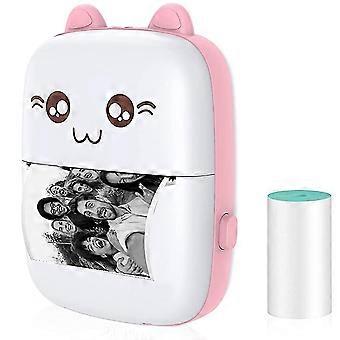
Pocket Bluetooth Mini Printer for Kids - Thermal Printer for Crafts/Labels/Notes_JC
ja 12,49 € toimitus
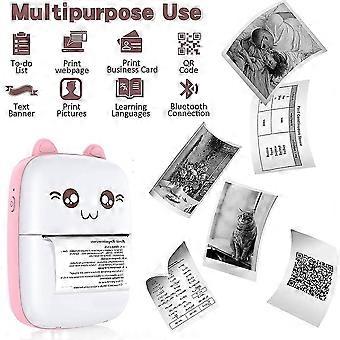
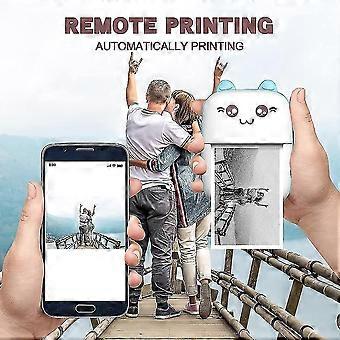

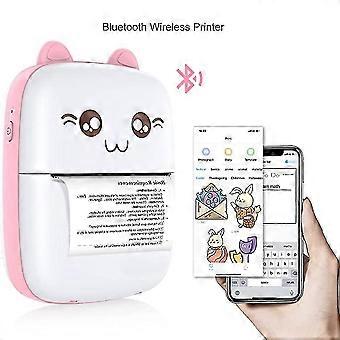
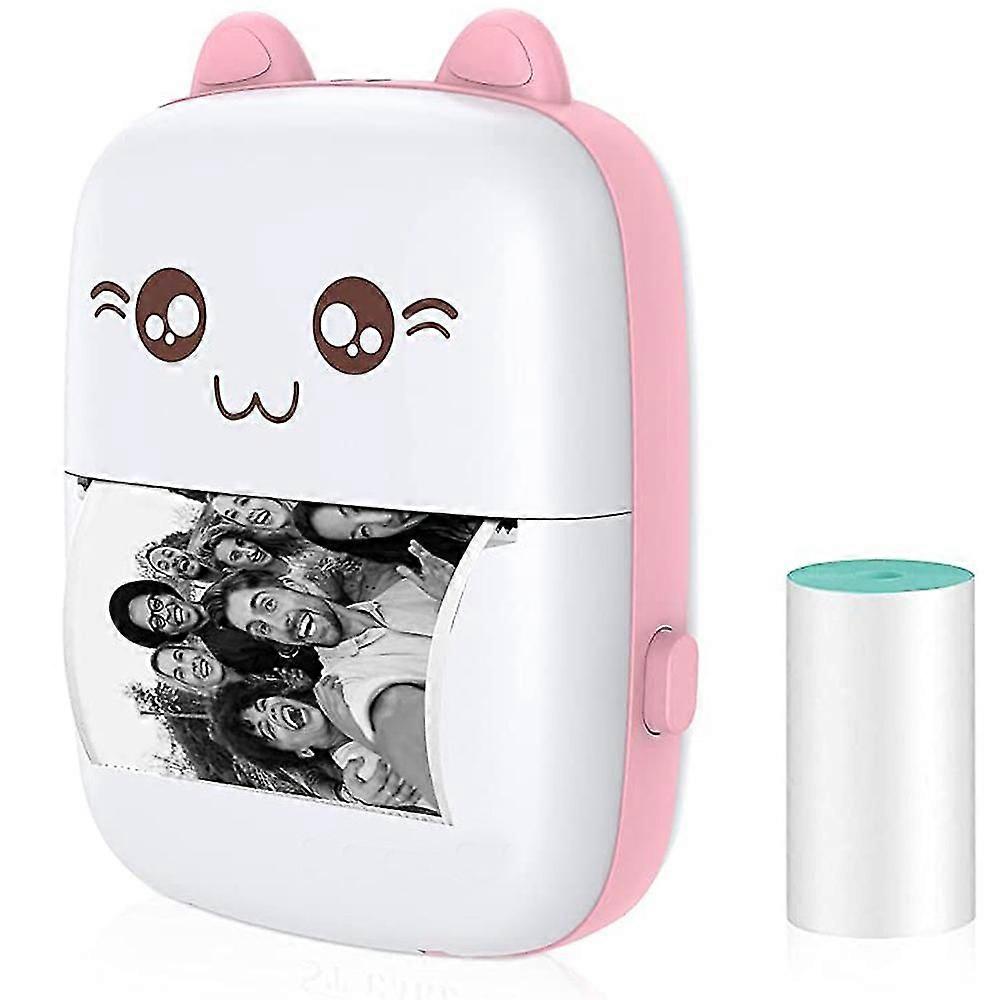
Pocket Bluetooth Mini Printer for Kids - Thermal Printer for Crafts/Labels/Notes_JC
- Merkki: Unbranded
Pocket Bluetooth Mini Printer for Kids - Thermal Printer for Crafts/Labels/Notes_JC
- Merkki: Unbranded
Tallenna 40,00 € (44%)
ovh.
14 päivän palautuskäytäntö
Tallenna 40,00 € (44%)
ovh.
14 päivän palautuskäytäntö
Hyväksymme seuraavat maksutavat
Kuvaus
Pocket Bluetooth Mini Printer for Kids - Thermal Printer for Crafts/Labels/Notes_JC
- Merkki: Unbranded
- Kategoria: Tulostimen, kopiokoneen & faksin piirilevyt
-
Väri: Pink
- Fruugo ID: 353613573-769481582
- EAN: 9432248870007
Toimitus ja palautukset
Lähetetään 2 päivän kuluessa
-
STANDARD: 12,49 € - Toimitus välillä pe 26 joulukuuta 2025–pe 02 tammikuuta 2026
Lähetyspaikka: Kiina.
Teemme parhaamme varmistaaksemme, että kaikki tilaamasi tuotteet toimitetaan sinulle toiveidesi mukaisesti. Jos sinulle toimitettu tilaus kuitenkin on puutteellinen tai sisältää tilaamattomia tuotteita, tai jos et jostain muusta syystä ole tyytyväinen tilaukseesi, voit palauttaa tilauksen kokonaan tai osittain. Saat tuotteista täyden hyvityksen. Näytä koko palautuskäytäntö
Tuotteen vaatimustenmukaisuustiedot
Katso tätä tuotetta koskevat yhteensopivuustiedot alla.
Seuraavat tiedot tarjoaa tätä tuotetta myyvä riippumaton kolmas osapuoli.
Valmistaja:
Alla oleva informaatio sisältää Fruugossa myytävän tuotteen valmistajan yhteystiedot.
- Shenzhen Jingshutong keji youxian gongsi
- Shenzhen Jingshutong keji youxian gongsi
- longgangqu bantianjiedao maantangshequ qiaoliandongliuxiang 7hao101
- Shenzhen
- China
- 518116
- eijiu31911@163.com
- 13667873201
Vastuuhenkilö EU:ssa:
Alla oleva informaatio sisältää EU:n alueen vastuuhenkilön yhteystiedot. Vastuuhenkilö on EU:n alueella sijaitseva nimetty talouden toimija, joka on vastuussa asianomaisen EU:n alueelle myytävän tuotteen vaatimustenmukaisuudesta.
- Stephen Krashen
- PI NETWORK SARL
- 38 rue Dunois 75647 Paris CEDEX 13
- Paris
- FR
- 75647
- friedlichrichter@outlook.com
- +33 773145318