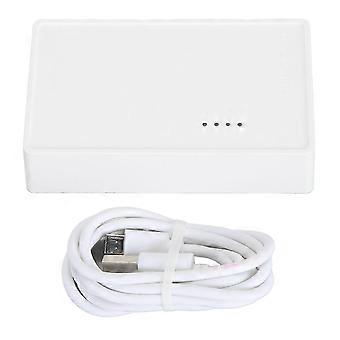
USB Wireless Print Server, 480Mbps, 3 Modes, LAN Bridge for Windows/Mac

79,00 €
ja 8,99 € toimitus

USB Wireless Print Server, 480Mbps, 3 Modes, LAN Bridge for Windows/Mac

  • Merkki: Unbranded
Myynyt:

USB Wireless Print Server, 480Mbps, 3 Modes, LAN Bridge for Windows/Mac

  • Merkki: Unbranded

79,00 €

Varastossa
ja 8,99 € toimitus

14 päivän palautuskäytäntö

Myynyt:

79,00 €

Varastossa
ja 8,99 € toimitus

14 päivän palautuskäytäntö

Maksutavat:

Kuvaus

USB Wireless Print Server, 480Mbps, 3 Modes, LAN Bridge for Windows/Mac

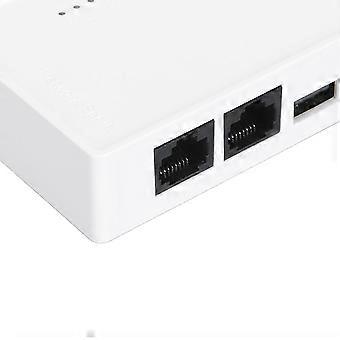
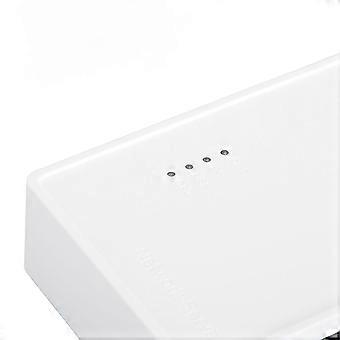
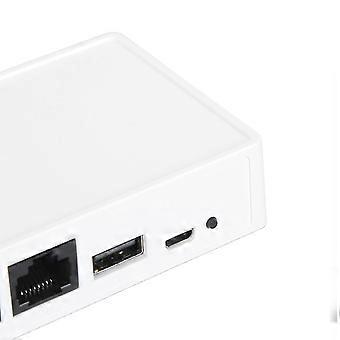
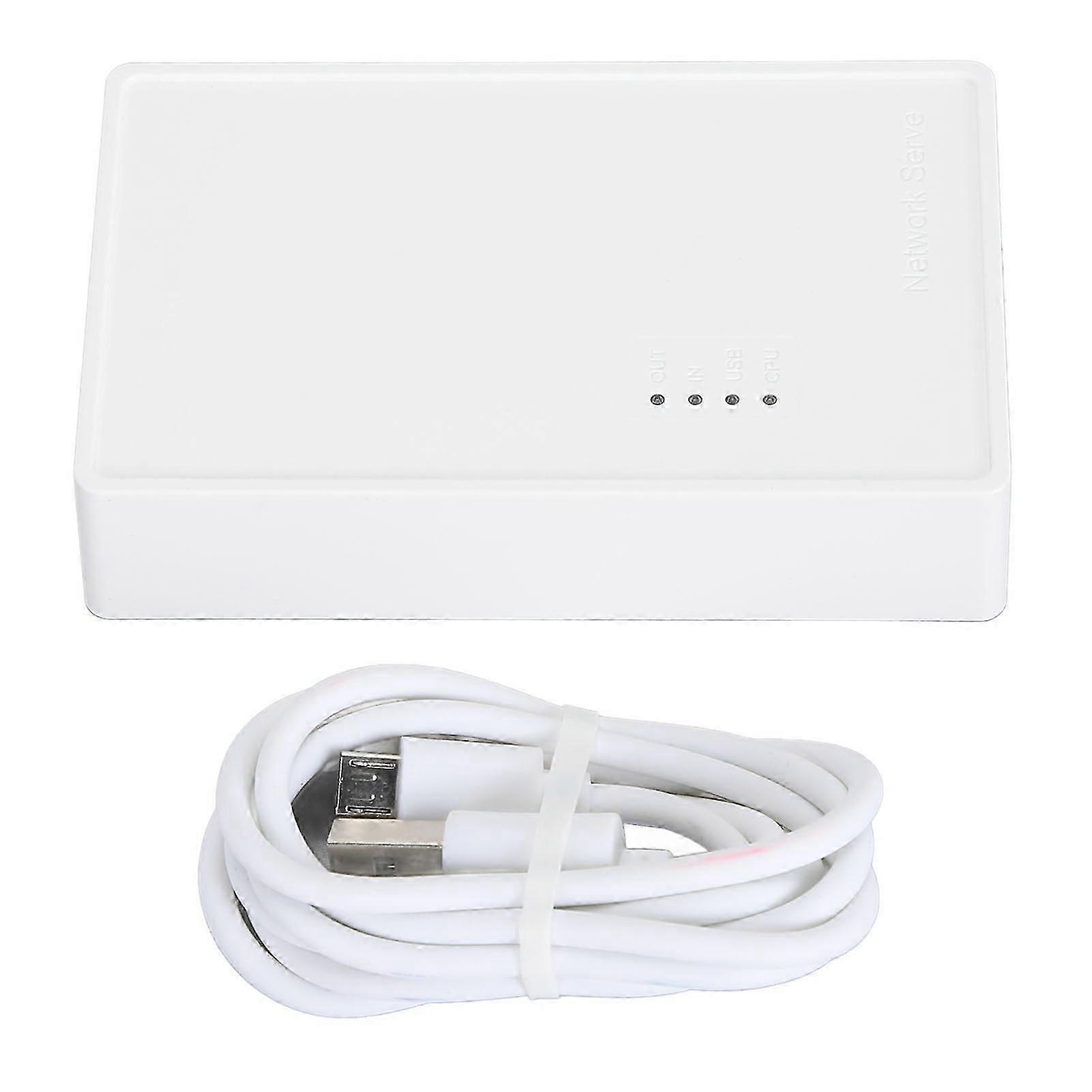
Feature: 1. For Multi Users: Print server transforms your USB printer into a wireless printer, so as long as it is on the same network, no matter where the computer is, you can easily access and use the printer. In addition, with the help of a USB A hub, this USB print server supports connecting 4 printers, which greatly improves the efficiency of printing files and is suitable for multiple people. 2. Various Operation Modes: Wireless printer adapter supports wired mode, 2.4G wireless network mode and standalone mode, converts your USB printers to wifi printers in different ways to meet your needs for using wireless printers on varied places. Note: In standalone mode, you do not need to connect the superior router, but there’s no access to the Network at the same time. 3. Web Management: Get rid of hassled driver installation and complicated setting steps, enjoy one stop printer and print server configuration on the web interface with USB wireless print server. Note: This print server does not require an external driver, but you need to download and install the printer driver from its official website and follow the Quick Start Guide to connect the printer to the computer. 4. Wide Compatibility: Compatible with Windows 7/8/10/11/XP, for OS X. Equipped with a USB2.0 port, the wifi print server is perfect for almost all usb printers, including ink jet printers, receipt printers, stylus printers, barcode printers. 5. Widely Use: Small in size and light in weight, you can place it anywhere. The high speed 480Mbps usb2.0 port and 100Mbps bridge or lan ports on the USB print server allow you to print out in seconds, also support automatic queue printing, which is ideal for applications at home, small office, supermarket, educational institutions etc. that require shared printers. Specification: Item Type: USB Wireless Print Server Material: ABS Color: White Output Interface: Bridge (10/100Mbps) Input Interface: LAN (10/100Mbps) Power Port: Micro USB USB Port: USB 2.0 Preparation: 1. Make sure that the printer driver is installed on your computer and that it can print properly. (The simplest way to verify the installation of the driver is to directly connect the computer to the printer and check if it can print correctly, which is the prerequisite for the printer server to work properly). 2. Connect the power of the print server, connect the USB print cable of the printer, and connect the network cable of the local area network to the print server. (Connection diagram is on the packaging box). 3. After the print server is powered on for 3 minutes, use your mobile phone to search for a wireless signal with @MG_XXXX. The wireless password is: 77777777 (8 sevens). A webpage window will automatically pop up on your phone, or you can access webpage with a mobile phone. Setting up on the computer: After completing the above steps, go to the Control Panel on your computer, Devices, Printers and Scanners, select the printer you want to set up, and click on Manage. (To ensure smoothing setup, make sure that the current computer can print properly by connecting it to the printer via a USB print cable, which confirms that the driver is correct). 1. Select Printer Properties. 2. Click on Port, Add Port, Select Standard TCP/IP Prot, Click on New Port. 3. Enter the IP address of the printer server (in the previous teaching how to view the IP address of the printer server through the mobile phone), click following , and wait for 1 minute. 4. Be sure to select Custom 5. Finished and use. Package List: 1 x USB Print Server 1 x Power Cord Note: Common problem handling: Q: My settings are all normal, but the computer just can't print. A: Check if the printer is offline, check if the title appears offline in the print queue, if so, uncheck it and it will be able to use the printer again. Q: My printer can print, but it keeps printing paper continuously. A: Go to the printer's properties, port, uncheck Enable bidirectional support. Note: The product does not include a USB adapter for shipment, you need to bring your own DV5V 1A USB adapter.
  • Fruugo ID: 459538283-967652396
  • EAN: 5436933660434

Tuoteturvallisuustiedot

Katso tätä tuotetta koskevat tuoteturvallisuustiedot alla

Seuraavat tiedot tarjoaa tätä tuotetta myyvä riippumaton kolmas osapuoli.

Turvallisuusvaroitukset: Not suitable for children under three years old
Valmistajan osanumero: 5436933660434
Mallinumero: 5436933660434
Sarjanumero: 5436933660434
Eränumero: 5436933660434

Toimitus ja palautukset

Lähetetään 3 päivän kuluessa

  • STANDARD: 8,99 € - Toimitus välillä to 29 tammikuuta 2026–pe 06 helmikuuta 2026 - Halvin - Nopeimmin

  • EXPRESS: 10,49 € - Toimitus välillä ma 02 helmikuuta 2026–ti 17 helmikuuta 2026

Lähetyspaikka: Kiina.

Teemme parhaamme varmistaaksemme, että kaikki tilaamasi tuotteet toimitetaan sinulle toiveidesi mukaisesti. Jos sinulle toimitettu tilaus kuitenkin on puutteellinen tai sisältää tilaamattomia tuotteita, tai jos et jostain muusta syystä ole tyytyväinen tilaukseesi, voit palauttaa tilauksen kokonaan tai osittain. Saat tuotteista täyden hyvityksen. Näytä koko palautuskäytäntö

Tuotteen vaatimustenmukaisuustiedot

Katso tätä tuotetta koskevat yhteensopivuustiedot alla.

Seuraavat tiedot tarjoaa tätä tuotetta myyvä riippumaton kolmas osapuoli.

Valmistaja:
Alla oleva informaatio sisältää Fruugossa myytävän tuotteen valmistajan yhteystiedot.

  • Shenzhen Yizheng Trading Co.,ltd.
  • Shenzhen Yizheng Trading Co.,ltd.
  • 105, Building 2, Huangbeiling Commercial City, No. 1004 Yanhe North Road, Xinxiu Community, Huangbei Street, Luohu District, Shenzhen
  • Shenzhen
  • CN
  • 518000
  • makohuang@163.com
  • 8613760155312
  • https://www.fruugo.co.uk/search/?merchantId=15851

Vastuuhenkilö EU:ssa:
Alla oleva informaatio sisältää EU:n alueen vastuuhenkilön yhteystiedot. Vastuuhenkilö on EU:n alueella sijaitseva nimetty talouden toimija, joka on vastuussa asianomaisen EU:n alueelle myytävän tuotteen vaatimustenmukaisuudesta.

  • Sophie Dupont
  • PROCONSEIL FR
  • 8 bis rue Abel 75012 Paris, France
  • Paris
  • FR
  • 75012
  • SophieDupont@proconseilfr.com
  • 0780843245